Batch Watermark Hundreds of Photos
Stop watermarking photos one at a time. Design the mark once and every photo in the selection comes out with it in the same place.
Watermark a Whole Gallery in One Run
If you have ever spent an afternoon manually adding watermarks to photos one by one, you know how tedious it can be. Batch watermarking solves this problem completely. With Watermark Maker, you can select hundreds of photos from your gallery and apply the same watermark to every single one in a single operation. The free tier covers a few photos per batch, which is enough to test the workflow on your own pictures; Premium removes the cap.
The batch watermark feature is designed for photographers, e-commerce sellers, real estate agents, and anyone who regularly works with large volumes of images. Instead of opening each photo individually, you design your watermark once — choosing your logo, text, or QR code — and then apply it across your entire selection. The result is perfectly consistent branding on every image.
What makes batch watermarking in Watermark Maker especially powerful is that all processing happens on your device. There is no need to upload photos to a cloud server, wait for processing, and then download them again. Nothing goes over the network and your photos stay entirely on the phone. How long a large batch takes is down to your device — the run is sequential, it cannot continue in the background, and there is no cancel button once it starts, so start it when you can leave the app open.
You can also save a watermark design as a named template and load it again in a later session, so a recurring job is a couple of taps rather than a redesign. Whether you are preparing product shots for your online store or protecting a gallery of event photos, one pass replaces the file-by-file grind. Combined with the ability to add watermarks to individual photos with fine-tuned positioning, Watermark Maker covers every workflow. The step-by-step guide to batch watermarking photos covers the whole workflow, including the mistakes that cost people a second export.
How Batch Watermarking Works
Select Multiple Photos
Open Watermark Maker and tap the Batch tile on the home screen, then pick your photos from the gallery. Inside the Batch Editor, the + square at the end of the thumbnail strip adds more.
Design Once, Apply Everywhere
Create your watermark with text, a logo, or a QR code. Set SCALE, OPACITY, the position anchor and SINGLE or TILED. The preview shows the first image in the set, so judge the design on that one.
Process & Export
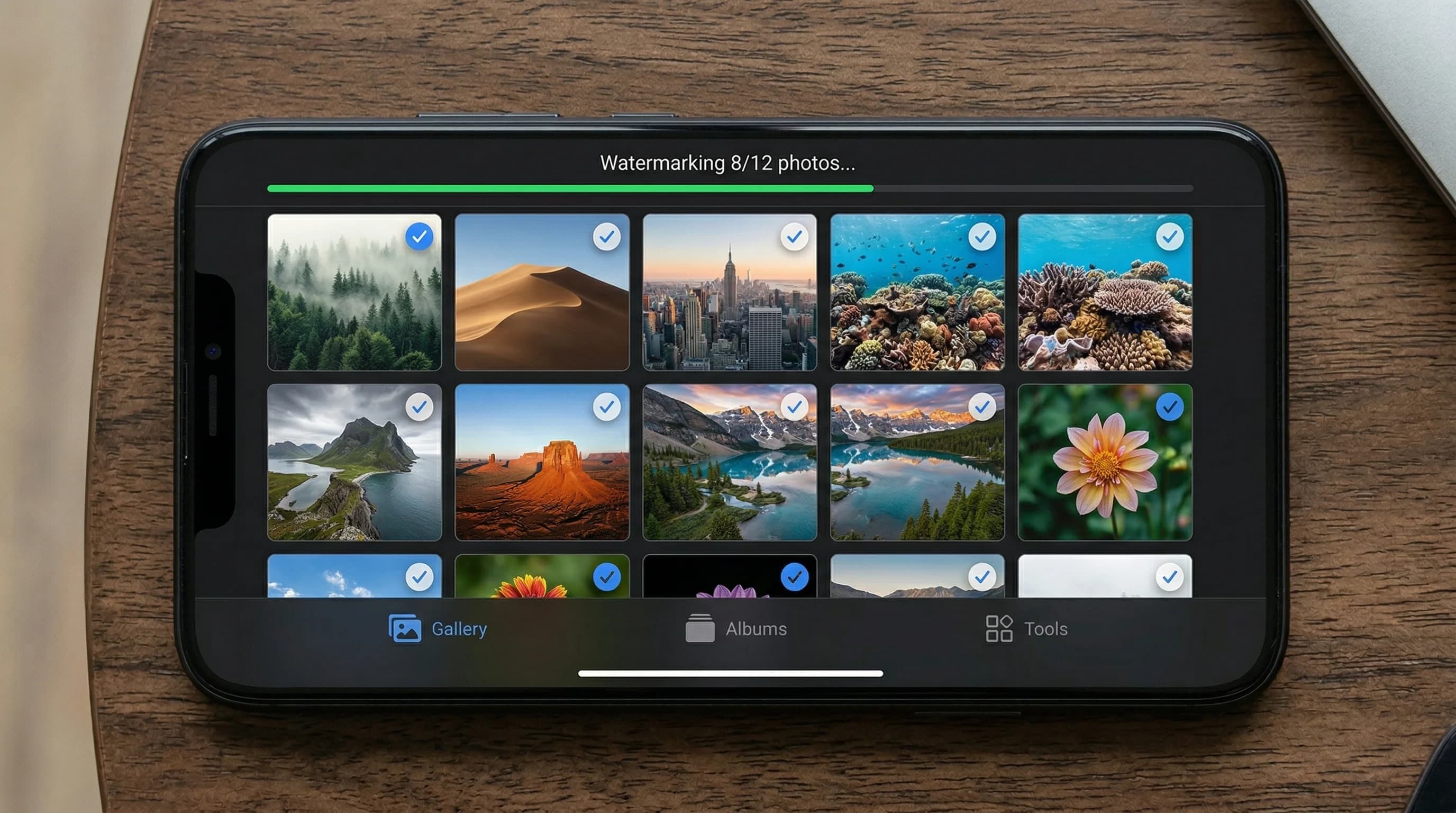
Tap Export All and Watermark Maker processes every photo on-device, counting up as it goes. All watermarked images are saved to your gallery.
Download Watermark Maker
Batch watermark your photo library on Android and iOS. Small batches are free; Premium makes the batch size unlimited.