Watermark Videos for Social Media
Add watermarks to your videos before posting to YouTube, TikTok, or Instagram. Protect your video content with logos and text overlays.
Protect Your Videos with Watermarks
Video content is more valuable than ever, and it is also more frequently stolen. When you add a watermark to a video, you make it clear who created the content, even if someone downloads and re-uploads it to another platform. Whether you are a vlogger, a fitness instructor, a filmmaker, or a business sharing promotional clips, video watermarking is an essential part of content protection.
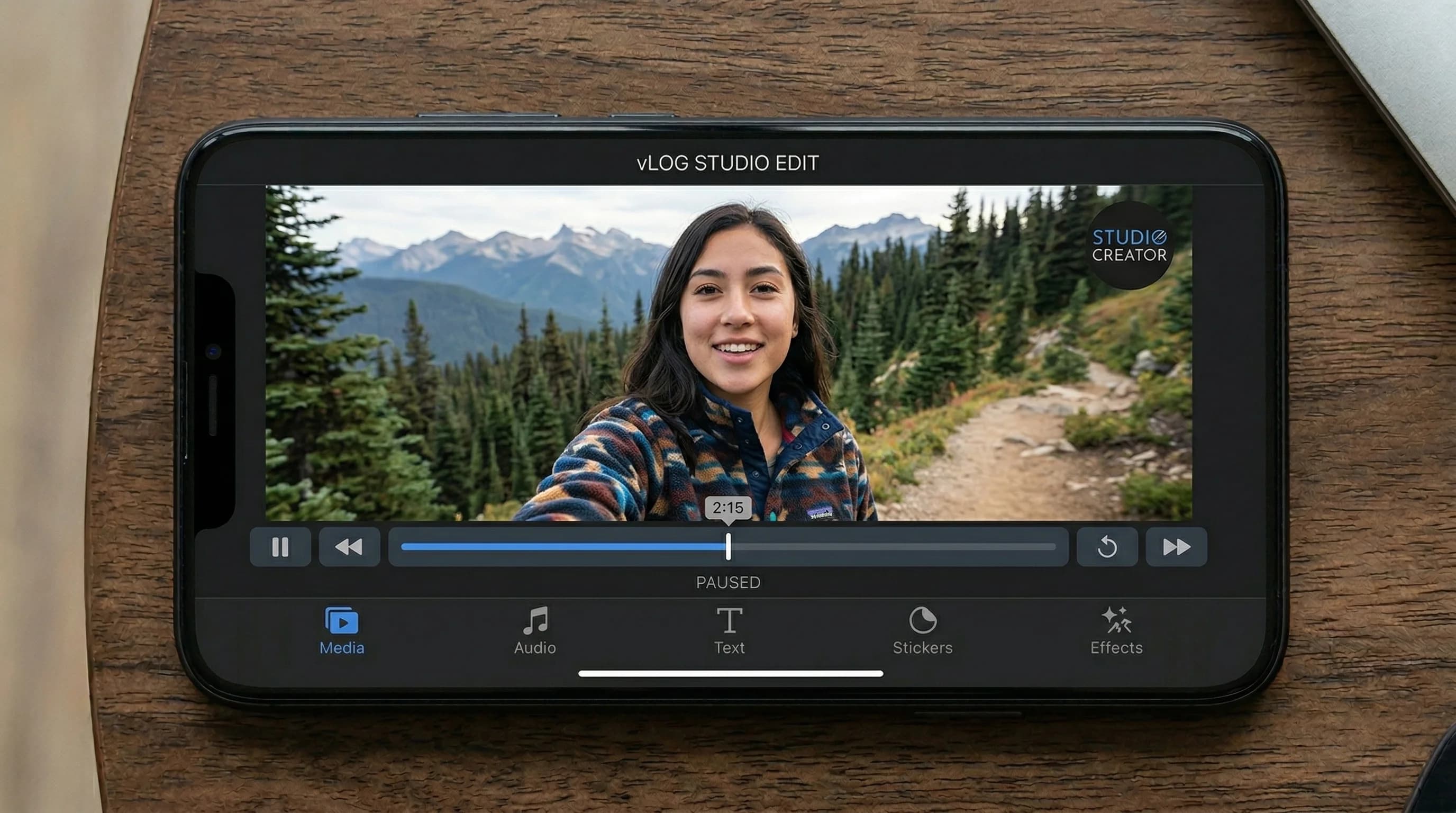
Watermark Maker makes it simple to add a watermark to any video on your phone. You can overlay text, import your brand logo, or add a QR code that links viewers to your website or social profiles. The watermark stays visible throughout the entire video, giving you persistent branding and protection without interrupting the viewing experience.
You pick the clip from your gallery and the app re-encodes it to MP4 with the mark burned in, copying the audio track across untouched. Add a watermark to videos you plan to share on YouTube, TikTok, Instagram Reels, or Facebook. Adjust the opacity so your watermark is visible but does not distract from the content. Position it in any corner or center it across the frame with tiling for maximum protection against cropping. If the video is an edit headed for a vertical feed, designing a watermark for edits covers the font choices and the placement the app's own buttons leave free.
All video processing runs directly on your device, so your footage stays private. There is no need to upload large video files to a server, and the watermarked copy lands in a gallery album called Watermark rather than loose in your camera roll. Once you have designed a watermark you like, you can save it as a template and reuse it on future videos. If you also need to watermark still images, the same app lets you add watermarks to photos with identical styling for a consistent brand look across all your content.
How to Add a Watermark to a Video
Pick Your Video
Open Watermark Maker, tap the Video tile, and pick a clip from your gallery. Video watermarking is a Premium feature.
Add Your Watermark
Choose a text overlay, import your logo, or generate a QR code. Set the position, SCALE and OPACITY while the clip plays underneath with the mark on it.
Export & Post
Tap Export, pick a size, and the finished MP4 is saved to your gallery ready for YouTube, TikTok, Instagram, or anywhere else.
Download Watermark Maker
Protect your videos before you share them. Download free on Android and iOS; video watermarking is part of Premium.